
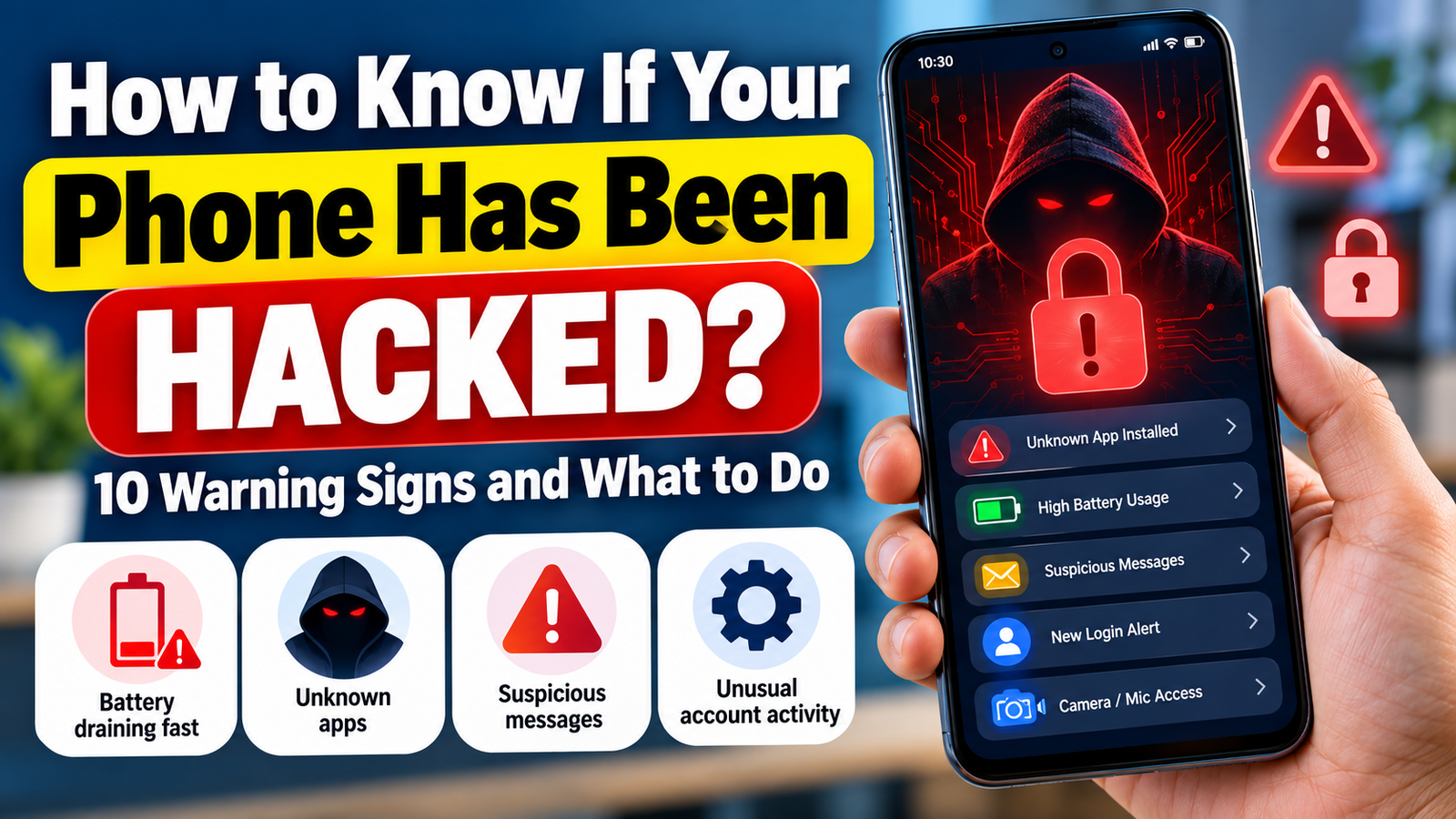
How to Know If Your Phone Has Been Hacked?
Our smartphones contain personal photos, messages, banking apps, emails, contacts and social media accounts. Because so much personal information is stored on a phone, a compromised device can become a serious privacy and security problem.
But how can you tell whether your phone has actually been hacked?
A single unusual problem does not necessarily mean that someone has hacked your phone. Battery drain, overheating or slow performance can have many ordinary causes.
However, if you notice several unusual signs at the same time, it is worth checking your device and accounts.
In this guide, we explain 10 warning signs that may indicate a security problem, how to check your phone and what to do if you suspect that someone has gained unauthorized access.
How to Know If Your Phone Has Been Hacked
1. Your Battery Suddenly Drains Much Faster

If your phone’s battery life suddenly becomes much worse without any major change in your usage, check which apps are consuming power.
Go to your phone’s battery settings and look for applications using unusually high amounts of battery.
However, battery drain alone does not prove that your phone has been hacked. An old battery, a software update, background activity or a demanding app can also cause the problem.
2. Your Phone Becomes Unusually Hot

A phone can become warm while gaming, recording video, charging or using demanding applications.
But if the device repeatedly becomes hot while you are barely using it, investigate which apps and processes are running in the background.
If overheating occurs together with other suspicious signs, take the situation more seriously.
Why Is My Phone Overheating? 10 Common Causes and How to Fix It
3. You Find Apps You Did Not Install

Check the complete list of applications installed on your phone.
If you see an application that you don’t remember installing, find out what it is before opening it.
Don’t automatically assume every unfamiliar app is malicious. Some applications may have been installed by the phone manufacturer, your mobile provider or another legitimate service.
If an unknown application looks suspicious, remove it if possible and review the permissions it has been given.
4. Your Mobile Data Usage Suddenly Increases

Unexpectedly high mobile data usage can sometimes indicate that an application is performing unusual background activity.
Check your monthly data usage and identify which applications are consuming the most data.
Look for apps that use large amounts of data even when you rarely use them.
Again, increased data usage can have normal explanations, such as automatic photo backups, video streaming or app updates.
5. Strange Pop-Ups or Advertisements Appear
Unexpected pop-ups, advertisements or browser redirects can be a sign of a problematic application or unwanted software.
Be particularly careful if:
- Pop-ups appear outside your browser.
- Your browser repeatedly redirects to unknown websites.
- You see fake virus warnings.
- You are asked to install an unfamiliar application.
- Advertisements appear unusually frequently.
Never install an app simply because a pop-up claims that your phone has a virus.
Instead, close the page and investigate the source.
Why Is My Phone Battery Draining So Fast? 10 Ways to Fix It
6. You Receive Security Alerts You Don’t Recognize

This is one of the more important warning signs.
You may receive an alert saying that someone signed into your Google, Apple, Microsoft, Facebook or another online account from a device or location you don’t recognize.
Don’t ignore such notifications.
Instead:
- Open the account using the official app or website.
- Check recent sign-in activity.
- Review connected devices.
- Remove devices you don’t recognize.
- Change your password if necessary.
- Enable two-factor authentication.
Never click a suspicious link inside an unexpected security message. Open the official service directly instead.
Google Android Security & Protection Guide
7. Your Accounts Behave Strangely
Another warning sign is unusual activity on your online accounts.
For example:
- Messages are sent that you didn’t write.
- Posts appear that you didn’t create.
- Your profile information changes.
- Password-reset emails arrive unexpectedly.
- You are suddenly logged out of an account.
- Two-factor authentication notifications appear without your request.
In many cases, the problem may actually be with the online account, rather than the phone itself.
Therefore, secure the affected account immediately.
8. Your Phone Becomes Extremely Slow

A sudden and persistent performance problem may deserve investigation.
Check:
- Recently installed apps
- Available storage
- Battery usage
- Background activity
- Operating-system updates
- Browser extensions or unusual settings
A slow phone does not automatically mean hacking. Low storage, an aging device, software bugs and background updates can all cause similar symptoms.
I Clicked a Suspicious Link — What Should I Do Now?
9. You Notice Calls or Messages You Did Not Make
Check your call history and messaging applications.
If you see outgoing calls or messages that you definitely did not make, investigate immediately.
Also check whether:
- Your SIM is working normally.
- Your messaging accounts are signed in on unknown devices.
- Your mobile provider has reported unusual activity.
- Your account passwords have changed.
If you suspect SIM-related fraud or unauthorized account access, contact your mobile operator through its official customer-service channel.
10. Your Camera, Microphone or Location Behaves Unexpectedly
Modern smartphones show indicators when applications access sensitive features such as the microphone or camera.
If you notice unexpected access, check which application is responsible.
Review application permissions and remove unnecessary permissions.
For example, a simple calculator application normally has no obvious reason to require continuous access to your microphone or location.
The important point is to investigate which application is requesting access and why.
How to Check If Your Android Phone Is Hacked
If you use Android, start with the basics.
Check installed apps
Open your application list and look for unfamiliar applications.
Check permissions
Review which applications have access to:
- Camera
- Microphone
- Location
- Contacts
- SMS
- Phone
- Files and media
Remove permissions that an application does not reasonably need.
Check Google Account devices
Review the devices associated with your Google Account.
If you see a device you don’t recognize, investigate it and secure your account.
Keep Android Updated
Install official operating-system and security updates when they are available.
Also keep your applications updated through the official app store.
How to Check If Your iPhone Is Hacked
iPhone users should also check their account and device security.
Check your Apple Account
Review the devices connected to your Apple Account.
If you see an unfamiliar device, investigate it immediately.
Review app permissions
Go to your privacy settings and check which apps have access to:
- Camera
- Microphone
- Location
- Photos
- Contacts
- Bluetooth
Check for unknown profiles
If you find an unfamiliar configuration profile or management setting, investigate it before deleting anything important.
For a personal device, an unexpected management profile deserves attention.
What Should You Do If You Think Your Phone Has Been Hacked?
Don’t panic.
The first goal is to secure your important accounts.
1. Change Your Important Passwords
Start with the most important accounts:
- Primary email
- Google or Apple Account
- Banking and financial accounts
- Social media
- Shopping accounts
Use unique passwords instead of using the same password everywhere.
2. Turn On Two-Factor Authentication
Two-factor authentication adds another layer of protection.
Even if someone obtains your password, they may still be unable to access your account without the second authentication factor.
Where available, consider using an authenticator app or passkey rather than relying only on SMS.
3. Remove Unknown Apps
If you identify an application that you don’t recognize and have confirmed it is unnecessary or suspicious, uninstall it.
Do not download another random “phone cleaner” or “hacker removal” application simply because an advertisement recommends it.
4. Update Your Phone
Install available security updates for your operating system and applications.
Security updates can fix known vulnerabilities.
5. Check Your Important Accounts
Look at recent account activity for your:
- Google/Apple Account
- Social media
- Banking
- Shopping accounts
Look for unfamiliar logins, devices or password changes.
6. Contact Your Bank If Financial Information May Be Exposed
If you suspect that your banking credentials, card information or payment accounts have been compromised, contact your bank through its official channel.
Do not use a phone number provided by a suspicious message.
7. Consider a Factory Reset for Serious Cases
A factory reset can be appropriate in some serious situations, but it should not be the first response to every unusual phone problem.
Before resetting:
- Back up important personal files.
- Make sure you know your Google/Apple Account credentials.
- Secure important online accounts.
- Check whether the problem is caused by a particular application.
If you believe the device has been seriously compromised, professional technical assistance may be appropriate.
How to Prevent Your Phone From Being Hacked
You don’t need to be a cybersecurity expert to improve your phone’s security.
Follow these basic habits:
Keep your phone updated
Install official security updates.
Use a strong screen lock
Use a strong PIN, password or supported biometric protection.
Don’t install apps from unknown sources
Prefer official app stores and trusted developers.
Don’t click suspicious links
Especially links received through unexpected SMS, email or social media messages.
Use unique passwords
Don’t reuse the same password across multiple accounts.
Enable two-factor authentication
Use it on important accounts whenever available.
Review app permissions
Don’t give unnecessary access to sensitive information.
Avoid public Wi-Fi for sensitive activities
When using an unfamiliar network, be cautious with banking and other sensitive services.
Back up important data
A reliable backup can be extremely valuable if your phone is lost, damaged or needs to be reset.
Is Battery Drain Proof That My Phone Has Been Hacked?
No.
Battery drain by itself is not evidence of hacking.
It can be caused by:
- Old battery
- High screen brightness
- Background applications
- GPS usage
- Video streaming
- Software updates
- Poor network signal
Look for multiple unusual signs rather than relying on one symptom.
Can Someone Hack My Phone Through a Text Message?
A suspicious text message can be used to trick you into visiting a malicious website, revealing credentials or installing unwanted software.
The safest approach is simple:
Don’t click unexpected links.
If a message claims to be from a bank, delivery company or government service, open the organization’s official website or app yourself instead of using the link in the message.
Can Someone Hack My Phone Just by Knowing My Phone Number?
Knowing your phone number alone does not normally give someone complete control of your phone.
However, your phone number can be used as part of scams, phishing attempts or attempts to take over accounts.
That’s why protecting your email, passwords, SIM and two-factor authentication methods is important.
When Should You Take Immediate Action?
Take the situation seriously if you notice several of these together:
- Unknown apps
- Unknown account logins
- Password changes you didn’t make
- Messages sent without your knowledge
- Unexpected security alerts
- Suspicious financial activity
- SIM suddenly stops working
- Sensitive accounts become inaccessible
In such cases, secure your accounts first and contact the relevant service provider or bank through official channels.
Final Thoughts
A slow phone or a draining battery does not automatically mean that someone has hacked your device.
The important thing is to look for multiple unusual signs and investigate them calmly.
Keep your phone updated, use strong and unique passwords, enable two-factor authentication, review app permissions and avoid suspicious links.
If you notice unauthorized account activity or financial transactions, act quickly and contact the affected service through its official channel.
Your phone’s security is closely connected to the security of the accounts you use on it.
FAQ
How do I know if my phone has been hacked?
Look for several unusual signs such as unknown apps, unexpected account activity, unexplained data usage, suspicious pop-ups or security alerts for logins you don’t recognize.
What is the first thing to do if my phone is hacked?
Secure your important accounts. Change compromised passwords, sign out unknown devices and enable two-factor authentication.
Does a hot phone mean it has been hacked?
No. Gaming, charging, poor network signal and demanding apps can also make a phone hot.
Should I factory reset my phone if I suspect hacking?
Not necessarily. First identify the problem and secure your accounts. A factory reset may be appropriate for serious cases after backing up important data.
Can an unknown app mean my phone is hacked?
It can be a warning sign, but not every unfamiliar app is malicious. Check what the app is and where it came from before taking action.
🔐 Is Your Phone Really Secure?
Noticed unknown apps, suspicious links, unusual battery drain, or unexpected account login alerts on your phone?
Don’t ignore the warning signs.
👉 Learn the 10 signs that your phone may have been hacked and discover what you should do to secure your device.
[📱 Check Your Phone Security Now →]
InfoChitra.com — Simple Technology & Digital Safety Guides